CVE-2026-20223: Finding Cisco Secure Workload (Tetration) on Your Network
A maximum-severity authentication bypass in Cisco Secure Workload (formerly Tetration) lets unauthenticated attackers gain Site Admin access via an internal REST API. Below: a step-by-step workflow to identify Secure Workload instances on your network.
The Vulnerability
CVE-2026-20223 is an authentication bypass in the internal REST API of Cisco Secure Workload (formerly Tetration). Insufficient validation on API endpoints allows an unauthenticated, remote attacker to access site resources with Site Admin privileges — the highest-privilege role in the platform.
- CVSS: 10.0 (Critical) — Cisco advisory cisco-sa-csw-pnbsa-g8WEnuy
- AFFECTED: Secure Workload 3.9 and earlier (no fix — must migrate), 3.10 (before 3.10.8.3), 4.0 (before 4.0.3.17)
- DISCLOSED: May 20, 2026 · Found through Cisco internal security testing
- EXPLOITATION: No active exploitation reported as of May 27, 2026
- PATCH: Upgrade to 3.10.8.3 or 4.0.3.17. SaaS deployments already patched. No workarounds.
Cisco Secure Workload is a zero-trust microsegmentation platform that provides application visibility, policy enforcement, and compliance across data center and cloud workloads. If an attacker compromises the Secure Workload cluster, they can read sensitive network telemetry, modify microsegmentation policies, cross tenant boundaries, and establish unauthorized communication pathways.
The flaw is in the internal REST API — distinct from both the web management interface and the public-facing OpenAPI. Cisco's advisory specifies "internal REST APIs," which means the attack surface may be limited to hosts with access to the cluster's internal network, not just the management VIP. However, until Cisco clarifies the exact reachability, any host that can reach the Secure Workload cluster should be considered in-scope. Security teams relying solely on web UI logs will miss exploitation entirely — API-level access logs are the only detection surface, and no public IOCs or detection signatures exist as of this writing.
Investigation Workflow
Secure Workload is typically deployed as an on-premises cluster or consumed as SaaS. On-prem instances are the ones at risk — SaaS deployments have already been patched by Cisco. Here's how to find on-prem instances on your network using RECON.
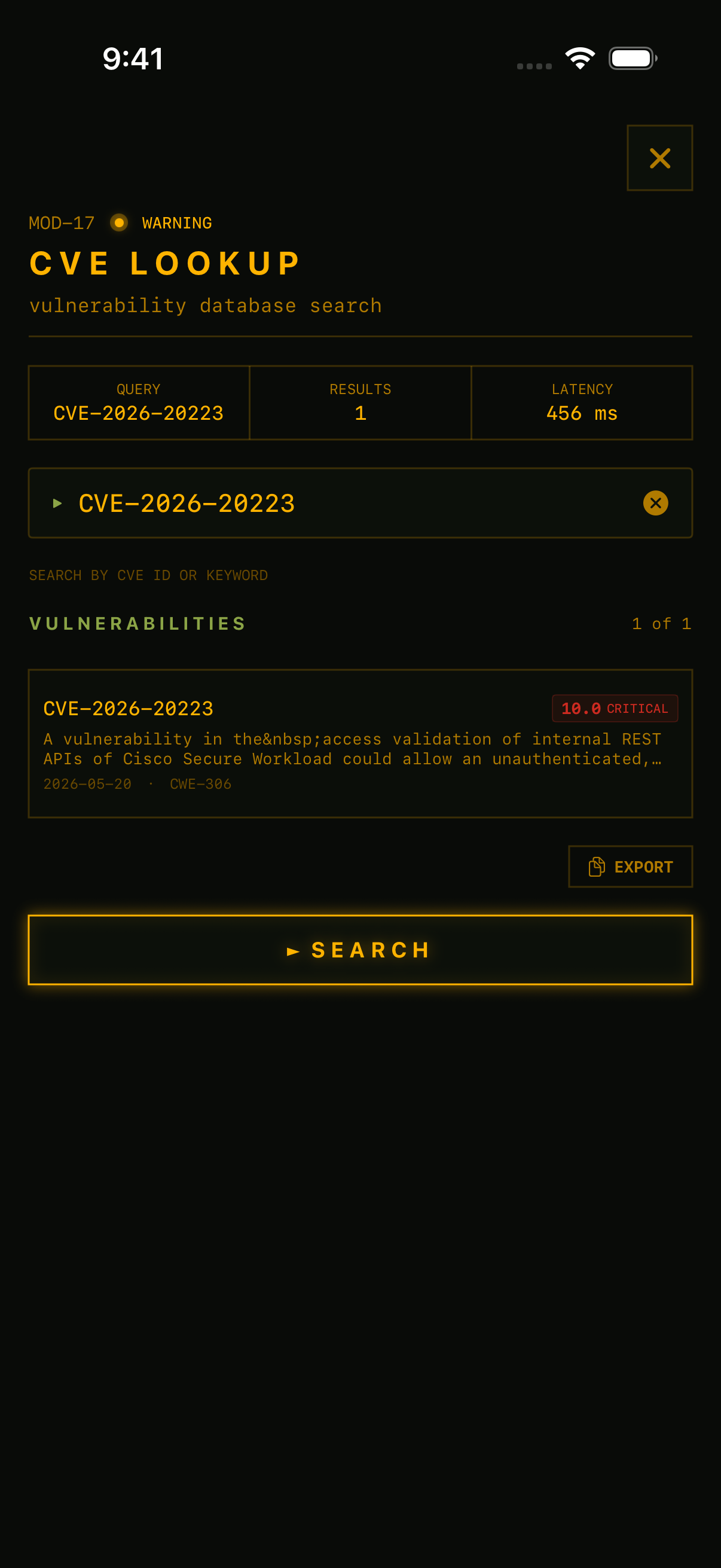
Start by confirming the advisory in RECON's CVE Lookup. A quick search for CVE-2026-20223 pulls the full NVD entry — CVSS 10.0, CWE classification, affected products — so you know exactly what you're looking for before scanning.
1. Port Scan: Find the Management Interface
Cisco Secure Workload exposes its web UI on port 443 and may use 8443 for sensor-to-cluster communication. Scan your data center management VLANs for these ports. Any host running HTTPS that you can't immediately identify warrants investigation.
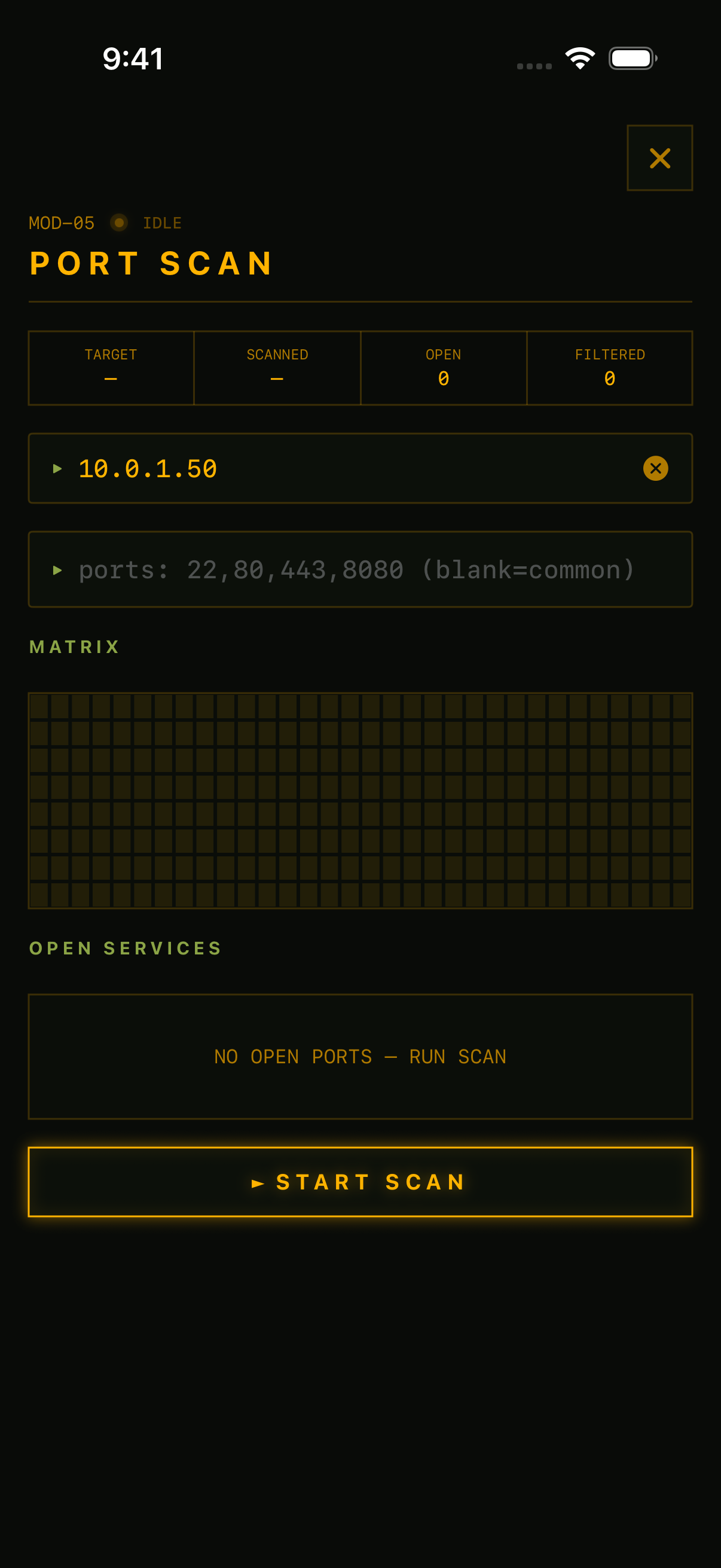
Port Scan targeting management VLAN. The port matrix visualizes scan coverage across the target range.
2. TLS Inspect: Read the Certificate
Default Secure Workload deployments present TLS certificates with identifiable patterns. Look for:
- • Subject CN or SAN fields containing tetration, secureworkload, or csw
- • Organization field showing Cisco Systems
- • Self-signed certificates on management interfaces — common in initial deployments
Note: mature enterprises often replace default certificates with their own CA-issued certs. If you don't find Tetration-related strings, use HTTP fingerprinting (step 3) as a secondary confirmation.
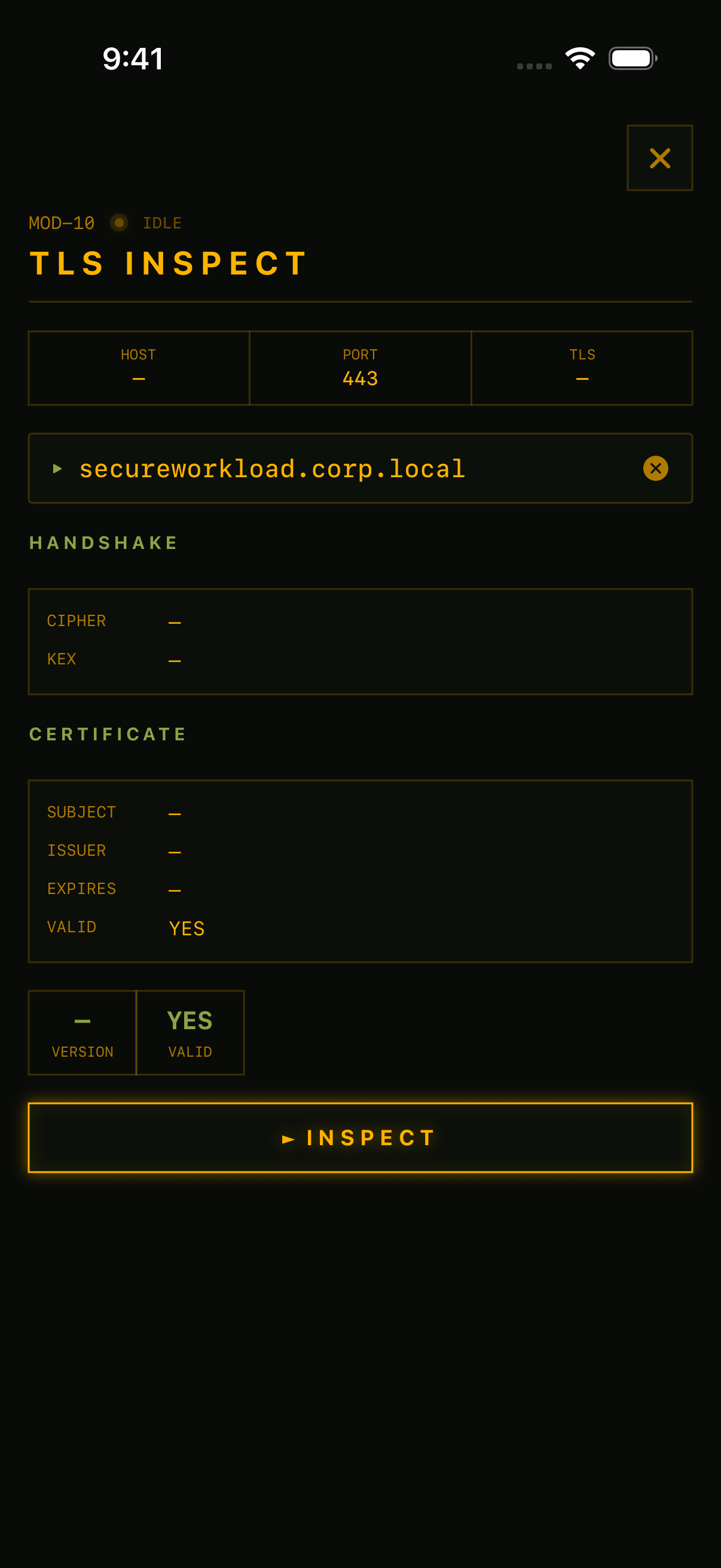
TLS Inspect on a Secure Workload host. Default deployments expose platform identity in certificate subject and issuer fields.
3. HTTP Headers: Fingerprint the Platform
Even without authentication, the Secure Workload web interface returns identifiable response content. Check for:
- • Redirect to /h4_users/sign_in — the Secure Workload login path (the "h4" prefix is a legacy internal codename)
- • HTML title or body containing Cisco Secure Workload or Tetration
- • JavaScript or CSS asset paths referencing tetration in the page source
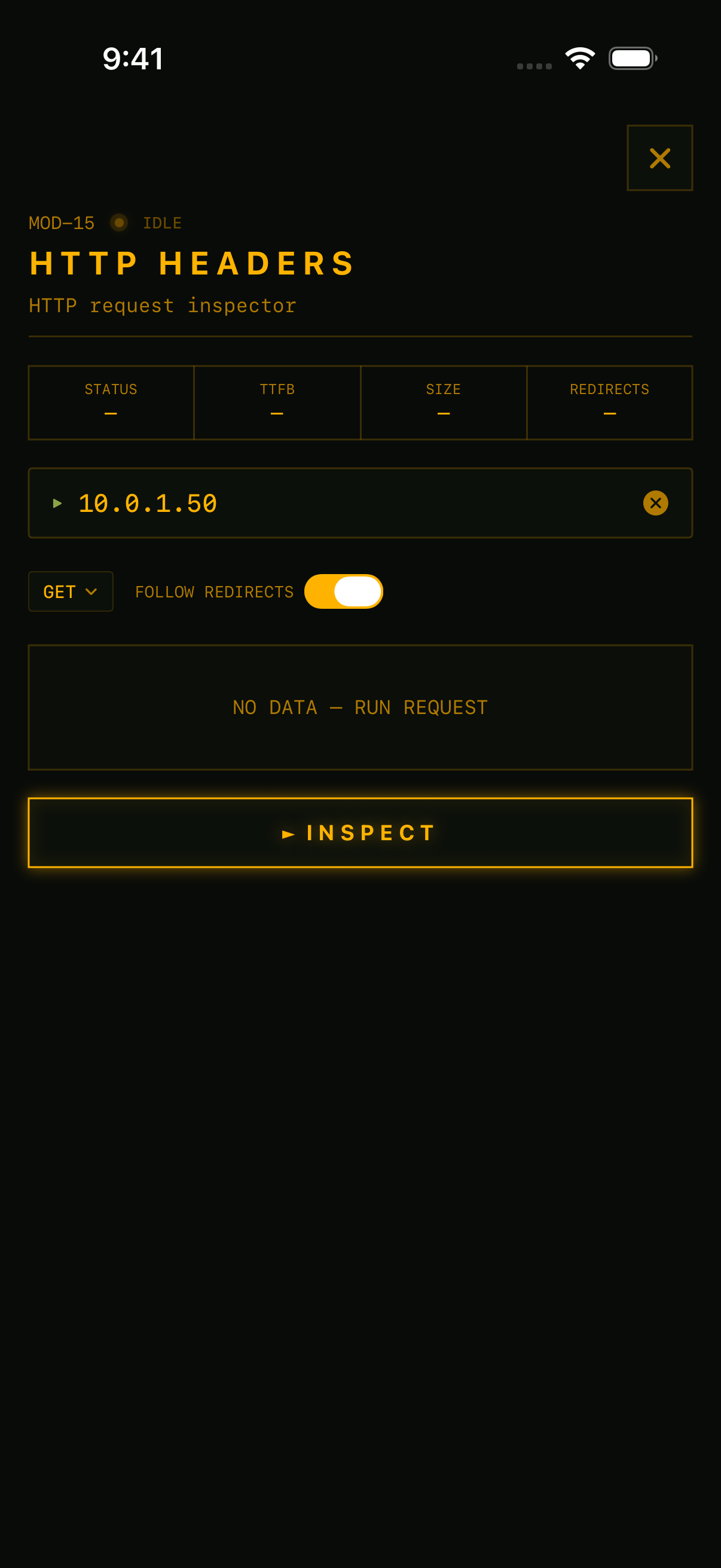
HTTP Headers module configured for the target host. Redirect paths and page content confirm Secure Workload instances.
4. DNS: Discover Forgotten Instances
Query internal DNS for common Secure Workload naming patterns: tetration.*, csw.*, secureworkload.*, tet-*. Reverse DNS lookups on data center management subnets can surface instances deployed outside your asset inventory.
Cross-Reference with External Data
- SHODAN: Search title:"Cisco Secure Workload" or title:"Tetration"
- CENSYS: Query for TLS certificates with subject containing "tetration"
- ASSET INVENTORY: Check your CMDB for Tetration/Secure Workload entries — the product was renamed in 2022
Note that Secure Workload management interfaces should never be internet-exposed. If Shodan or Censys shows your instances, that's a separate and urgent problem.
Impact of CVE-2026-20223
A CVSS 10.0 means: no authentication required, no user interaction, low attack complexity, network-reachable. An attacker who can reach the API endpoint owns the platform. In a multi-tenant deployment, they cross tenant boundaries — reading telemetry, modifying firewall policies, and deleting security rules across every tenant.
Version Detection
Finding instances is only half the job — you need to determine which version is running to prioritize patching. The Secure Workload login page and API responses can sometimes reveal version strings. Check the page source for version metadata, or query the cluster's about/status endpoints if accessible. Without version identification, treat all discovered instances as vulnerable until confirmed patched.
Detection Gaps
No public IOCs, Snort/Suricata rules, or YARA signatures exist for this vulnerability as of this writing. The attack targets the REST API rather than the web UI, so standard web access logs won't capture it. If API-level access logging is enabled, look for unauthenticated requests to administrative endpoints and unexpected Site Admin session creation. If logging is not enabled, you have no detection surface — patch immediately.
Remediation
Remediation for CVE-2026-20223 requires upgrading Cisco Secure Workload to a patched release. There are no workarounds — patching is the only fix.
- Patch immediately. Upgrade to 3.10.8.3 or 4.0.3.17.
- If running 3.9 or earlier, migrate to a supported release. Version 3.9.x is end-of-support with no fix available.
- Restrict network access. Limit reachability to the management interface and REST API from trusted admin networks via ACLs. This reduces exposure but does not mitigate the vulnerability itself — an attacker on an allowed network can still exploit it.
- Audit for unauthorized access. Review API access logs for unauthenticated requests or unexpected Site Admin actions. Check for modified microsegmentation policies, new admin accounts, or changed firewall rules.
- SaaS customers: No action required — Cisco has already patched cloud deployments.
Every tool used in this investigation — port scan, TLS inspect, HTTP headers, DNS, CVE lookup — runs from your phone in RECON. Get it on the App Store.
Follow @reconnetops for new CVE investigations.
Sources
- → Cisco Advisory: cisco-sa-csw-pnbsa-g8WEnuy
- → NVD: CVE-2026-20223
- → SecurityOnline: Cisco Secure Workload API Vulnerability Analysis
- → SecurityAffairs: Cisco Fixed Maximum Severity Flaw
- → SecurityWeek: Cisco Patches Critical Vulnerability